![[ANSYS, Inc. Logo]](fluentlogo.gif)


|
|
|
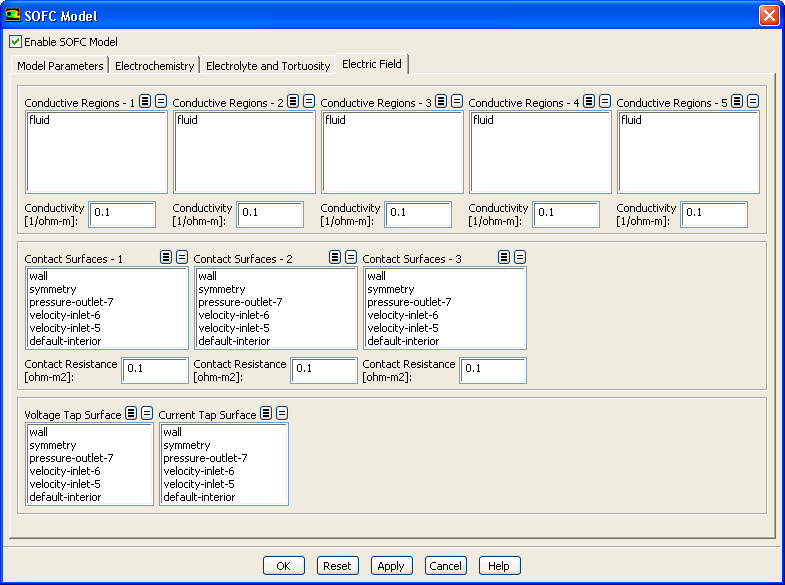
You can set up the details of the electric field model using the Electric Field tab in the SOFC Model dialog.
Here, you can designate conductive regions and specify their conductivity, assign boundaries to be contact surfaces and specify the contact resistances, as well as specify which surfaces are grounded and which surfaces exhibit a current.
The
Voltage Tap Surface is the surface that is grounded (i.e.,
 ). The
Current Tap Surface is the surface that current is being drawn from (i.e.,
). The
Current Tap Surface is the surface that current is being drawn from (i.e.,
 is assigned a value).
Previous:
4.6.3 Setting Up the