![[ANSYS, Inc. Logo]](fluentlogo.gif)


|
|
|
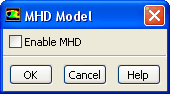
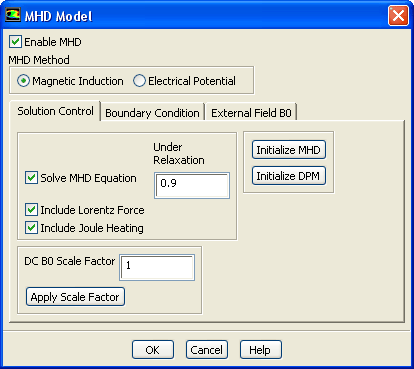
If the MHD model is not enabled after the MHD module is loaded for the first time, you can enable it by clicking the Enable MHD button in the MHD Model dialog box, shown in Figure 4.3.1. The dialog box expands to its full size when the model is enabled, as shown in Figure 4.3.2.
Previous:
4.3 MHD Model Setup