![[ANSYS, Inc. Logo]](fluentlogo.gif)


|
|
|
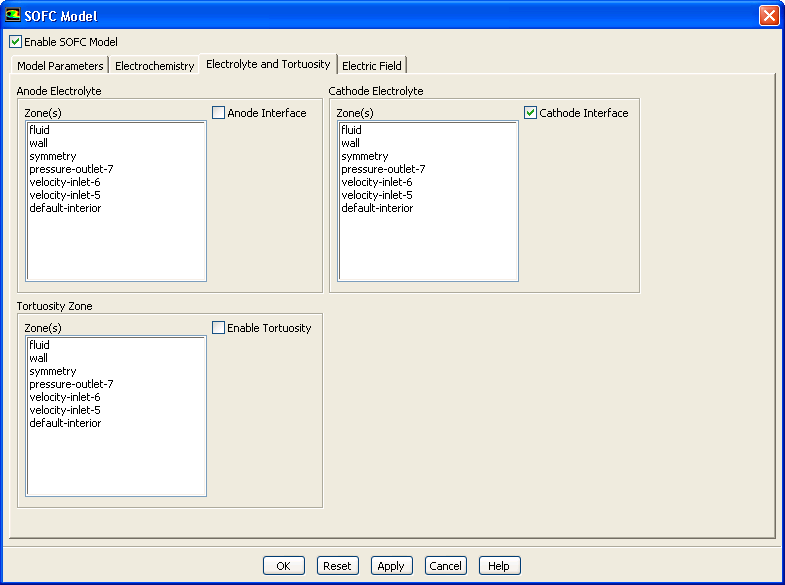
You can specify the cathode settings for the SOFC With Unresolved Electrolyte Model by enabling the Cathode Interface option in the Electrolyte and Tortuosity tab in the SOFC Model dialog.
Once you enable the Cathode Interface option, you select the surface that represents the cathode electrode interface with the electrolyte from the corresponding Zone(s) list and click Apply. You can do this for as many zones as you need. When you are finished setting up the cathode interface, click the OK button.
Previous:
4.6.1 Setting Up the